Rombi Wardrobe
Four looks a day, from the clothes you already own.
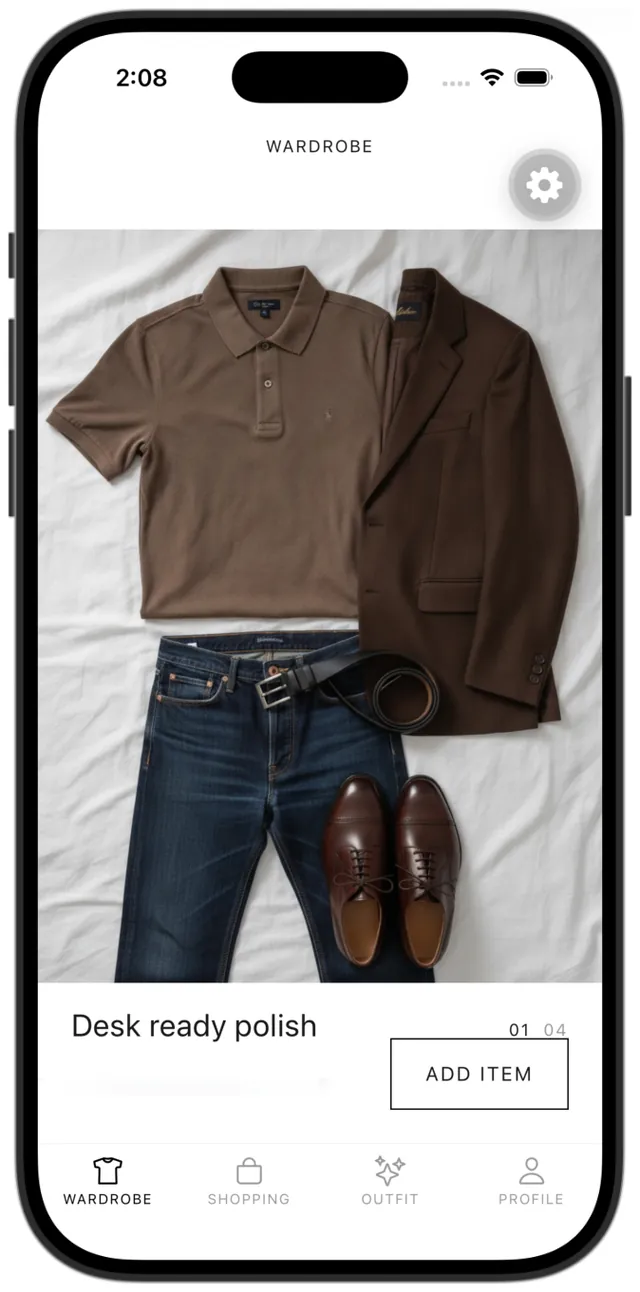
Scan your face for your colors, then photograph the clothes in your closet. Every day, Rombi Wardrobe lays out four complete looks, made only from what you own.


Free. Not a shopping feed.
-
Your colors
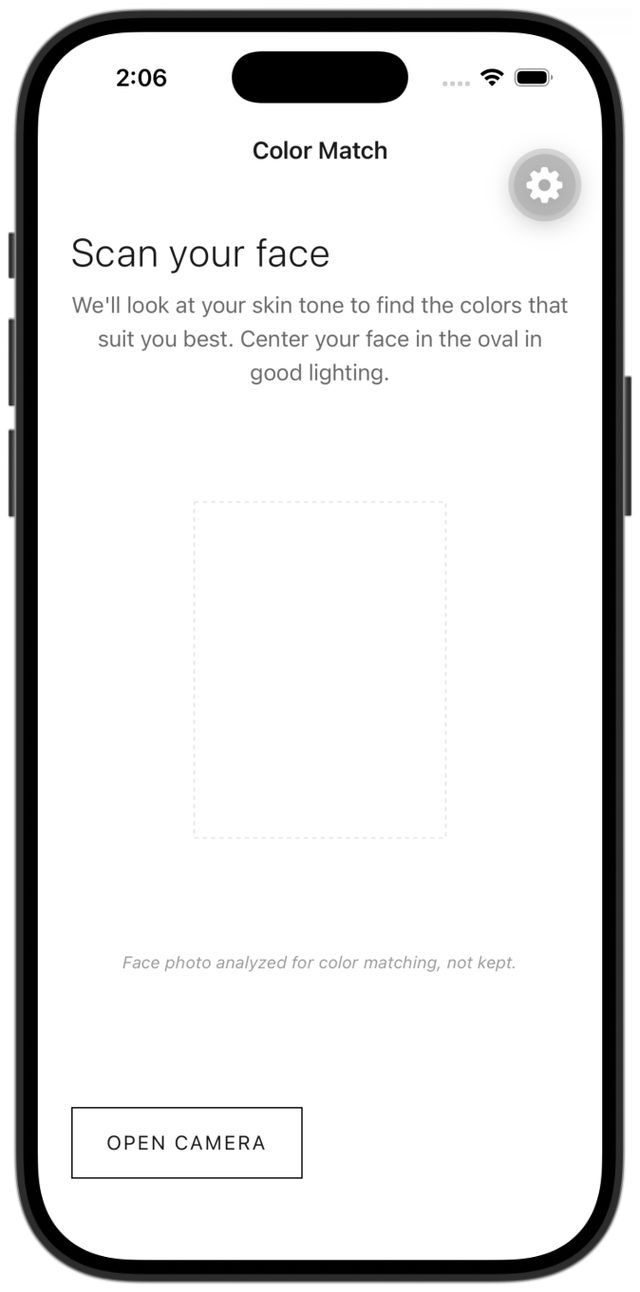
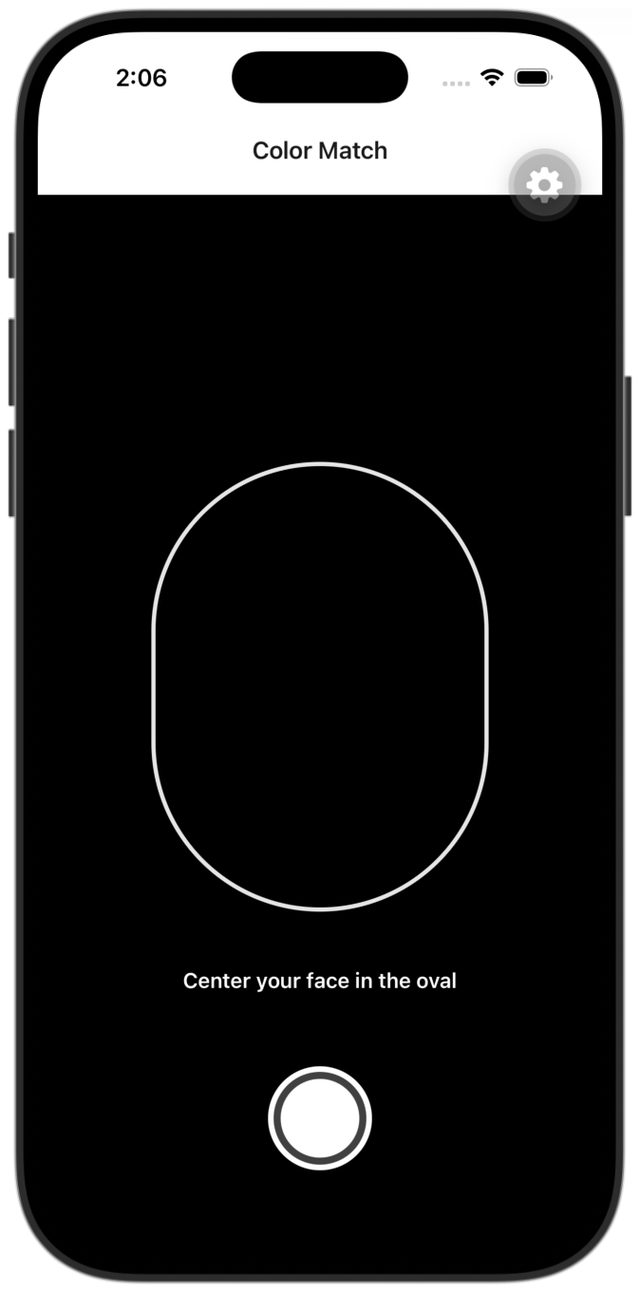
Scan your face in daylight. The app reads your undertone and season, then lists the colors that flatter you and the ones to avoid. The photo is discarded after analysis.
Then pick your body shape, so fits and silhouettes flatter you too.
You know which colors belong on you.
-
Your clothes
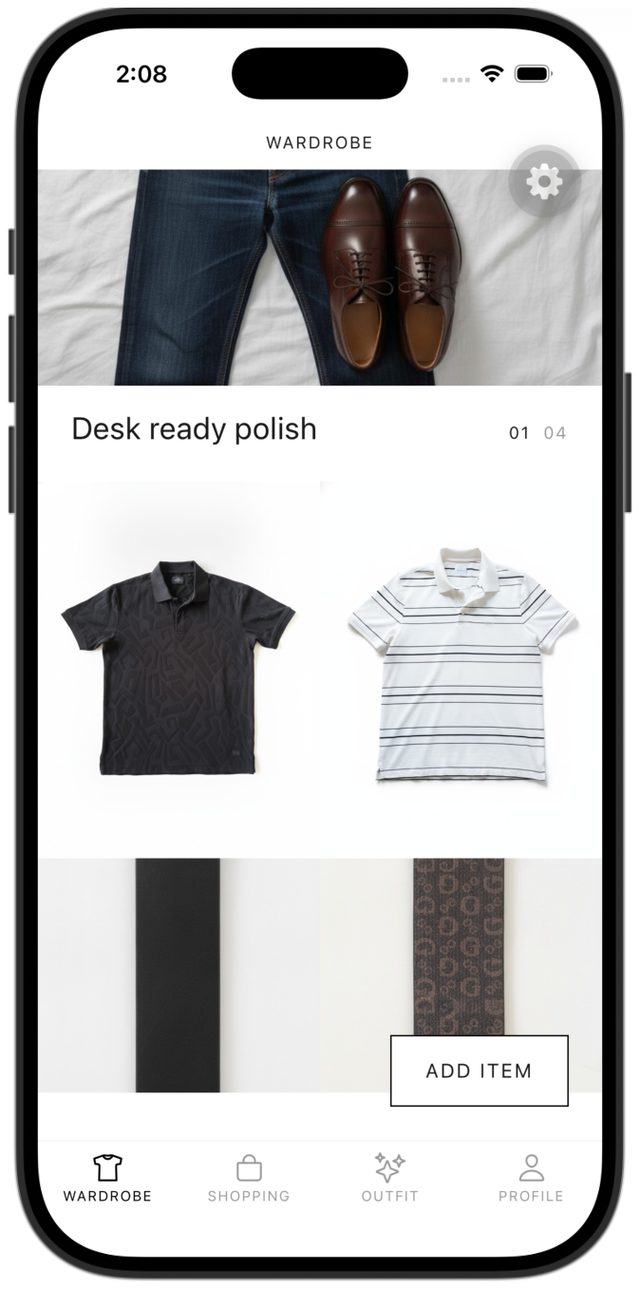
Photograph a whole rail, or one piece at a time. The app picks out each garment and builds your digital wardrobe.
You see what you own, in one place.
-
Today’s looks
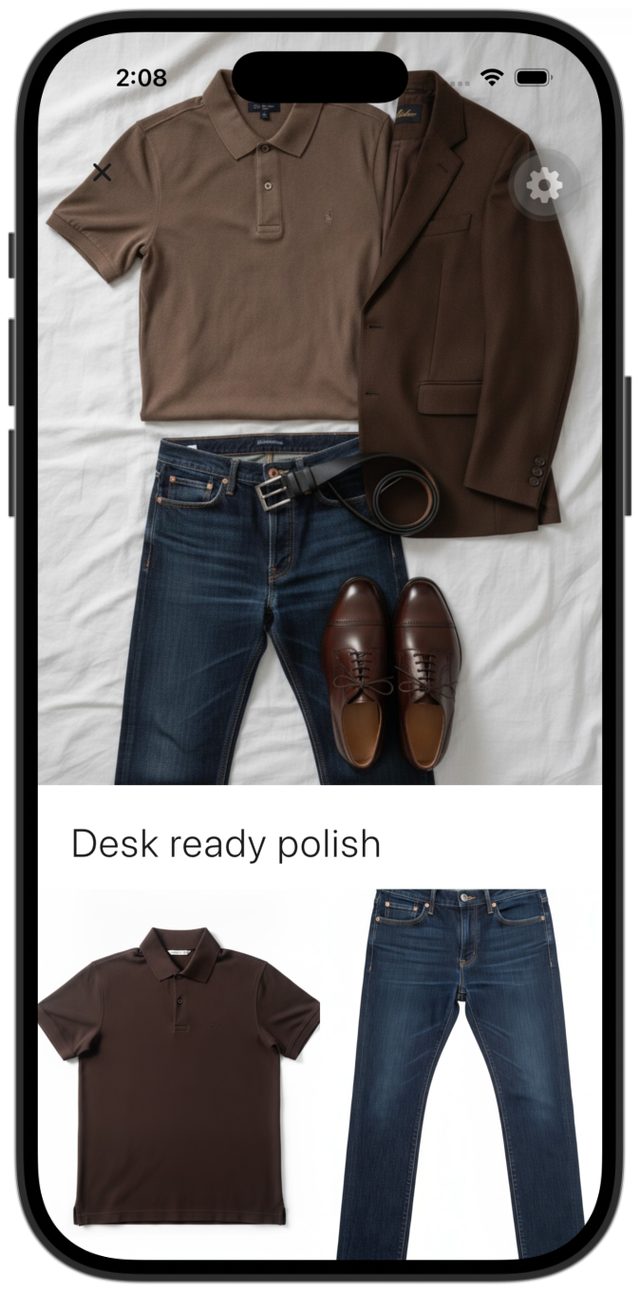
Four complete outfits, each shown whole, with the pieces from your wardrobe underneath. New looks every day.
You pick one. You get dressed.


Trips
A packing list from the clothes you own.

Tell Rombi where you are going, when, and what for. Up to six cities in a row. A client meeting, a beach day, a wedding on the Saturday. Then choose a carry-on or a checked bag.
The list. Rombi picks the pieces from your wardrobe that cover every day, sized to the bag, with a line on why each one comes. Swap a piece or leave it behind. Check them off as you pack. Anything the trip needs that you do not own goes to your gap list.
The weather. Each city shows the weather for each day. Close to the trip it is the forecast. Further out, it reads the same dates last year.
The looks. While you are away, the daily looks come only from what is in the bag, dressed for that city and that day’s plans.
The reminders. Two days before, what is left to pack. The morning you leave, a good-trip note. A word if the weather turns and the look changes. Welcome home when you are back. All optional, in Profile → Trips.
For trips, the app may ask for approximate location from the day before you leave, so it knows which city you are in. That location stays on your phone. See the Privacy Policy.
Five minutes to today’s looks.
Scan your face, then add three pieces: a top, a bottom, and shoes. That is enough to start. Sign in with Apple, Google, Microsoft, or email.
Your photos
Your face, for coloring. The scan is sent to a vision provider to read your undertone and flattering colors, then discarded. We do not keep it.
Your clothes, for the wardrobe. These photos are stored so the app can dress you. Profile → Delete Account removes your wardrobe items and images from our servers.
The Privacy Policy has the full detail.
Journal
Notes on dressing, from the house.
-
The first styling decision is color against skin.
Undertone is the temperature of your skin, not the surface tan.
-
Quiet is a wardrobe that does not ask for attention.
A quiet wardrobe is a small set of pieces that agree with your coloring and your days.
-
A digital wardrobe should dress you, not file you.
A digital wardrobe is a picture of the clothes you own so you can see them together.
Questions
Is it free?
Yes. Rombi Wardrobe is free on iPhone and Android.
How many clothes do I need?
Three pieces are enough to start: a top, a bottom, and shoes. A dress and shoes work too. The more of your closet you add, the more variety the four daily looks have.
What if I don’t like today’s looks?
There are four to choose from, and new ones arrive every day. Adding a missing piece, such as shoes, a bottom, or an outer layer, or retaking an unclear photo gives the next looks more to work with.
Is it a shopping app?
No. There is no feed of things to buy. The Shopping tab is a gap list: it names the pieces your wardrobe is missing.
Does it help me pack for a trip?
Yes. Add a trip with its cities, dates, and plans, and Rombi builds a packing list from your wardrobe, sized to a carry-on or a checked bag. While you are away, the daily looks use only what you packed.
What happens to my photos?
Face photos are analyzed and not kept. Wardrobe photos stay until you delete the item or the account. See Privacy.
Is it on iPhone and Android?
Yes. Sign in with Apple, Google, Microsoft, or email.
Tomorrow’s looks are already in your closet.
Free on iPhone and Android.